
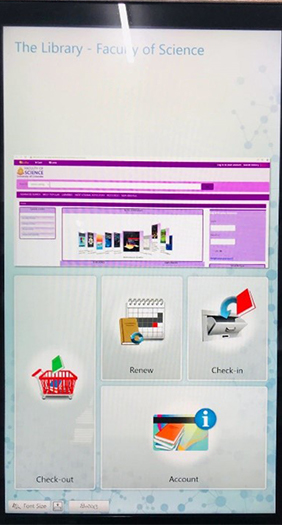
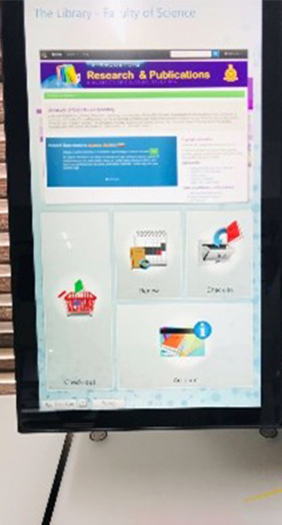
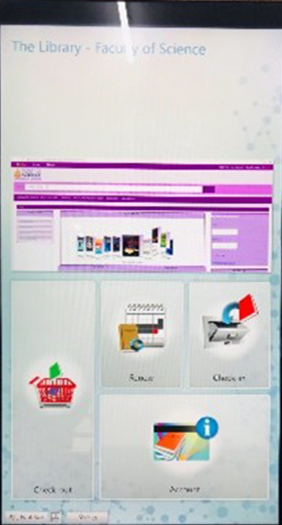
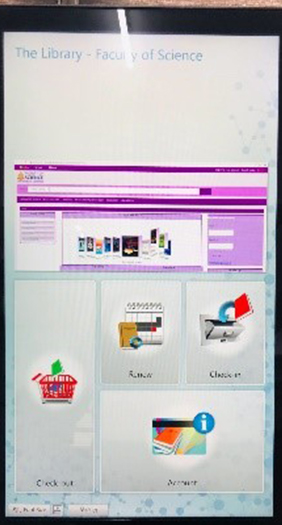
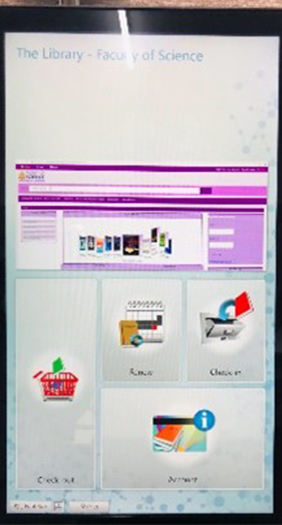
Self check-in and check-out machine can be used to issue, return and renew books or check your library account details without assistance from the library staff. The self-check in and out station consist of network PC with touch screen monitor and RFID reader.
Following steps guide you to operate the self check-in and check-out machine
Step 1 – Press “check-out” on the touch screen
Step 2 – Press Enter account number, after that place your ID card under the red laser beam and then press “Enter”
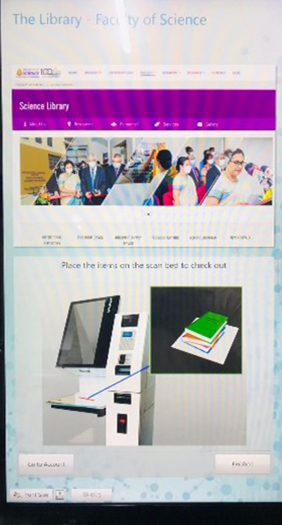
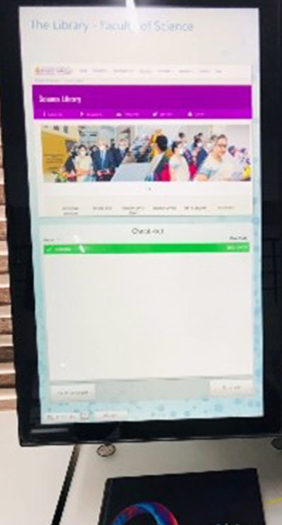
Step 3 – Place your book or books you wish to borrow on scanning arear, when the scanning completes book title confirmed in green.
Step 4 – Press Done to sign out your account and if you need a printed receipt press “print”.
You will receive a confirmation email on your check-outs.
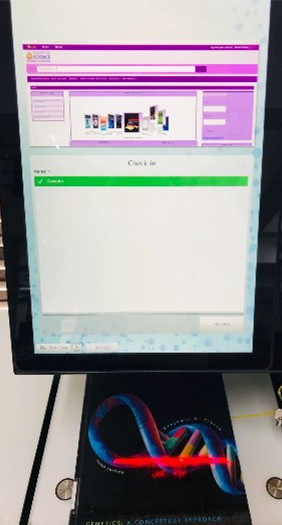
Step 1 – Press check-in on the touch screen.
Step 2 – Place your book on Scan tray, book titles confirmed in green.
Step 3 – Press Done to sign out your account then place the books on the book trolley near the self check -in and out machine.
You will receive a confirmation email on your check-ins.
Step 1 – Press Renew on the touch screen.
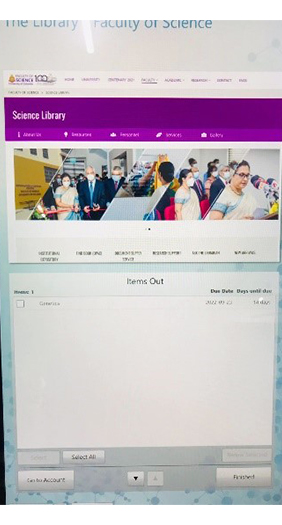
Step 2 – Press Enter account number, after that place your ID card under the red laser beam and then press “Enter”. Your borrowing history appears on the screen.
Step 3 – Select the book you want renew, and press Renew selected.
Step 4 – Press Done to sign out your account
Step 1 – Press Account on the touch screen.
Step 2 – Press Enter account number, after that place your ID card under the red laser beam and then press “Enter”. Your borrowing history appears on the screen.
Step 3 – Press Done to sign out your account.